


How to select your courses
17 Sep

Course selections are made through the KAMAR Student Portal. Follow the instructions to learn more.
Before you start, have you:
-
Read through all of the course outlines and looked at the pathways within each course before you make your choices.
-
Discuss your choices with your parents/caregivers, APL or whanau teacher.
-
Talk to your teachers who might offer you guidance around these courses.
-
What courses do you want to know more about? Seek out the Head of Learning Area to find out more.
How to select your courses.
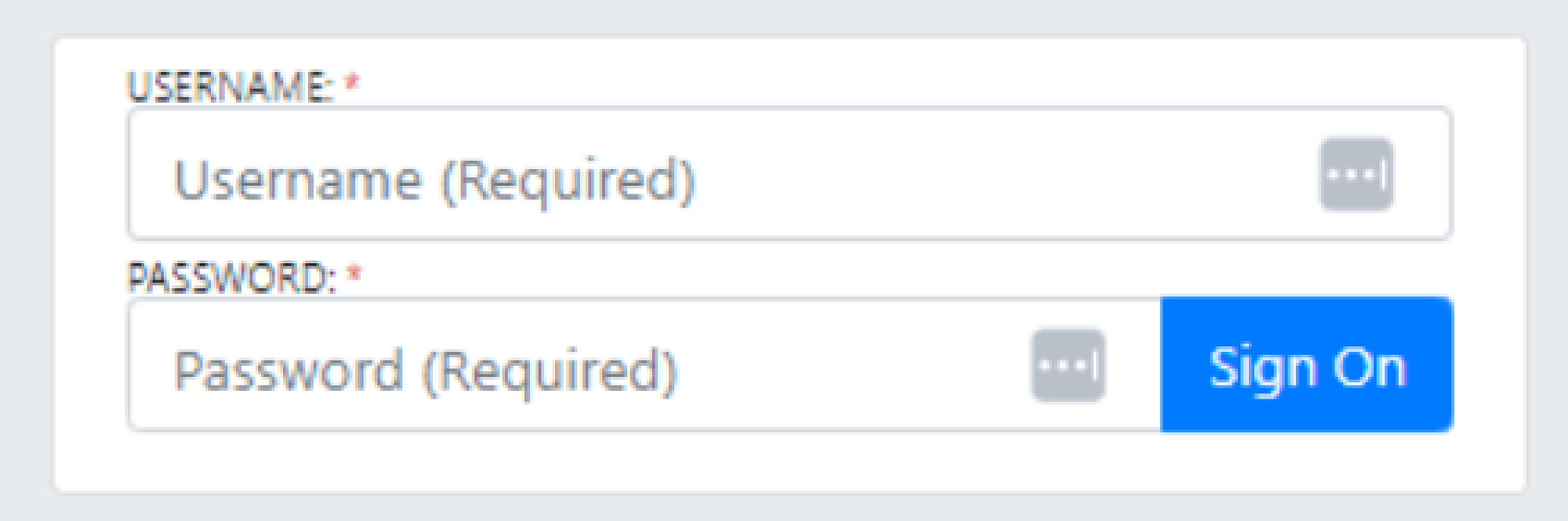
Login to the student portal through the intranet on the school website.
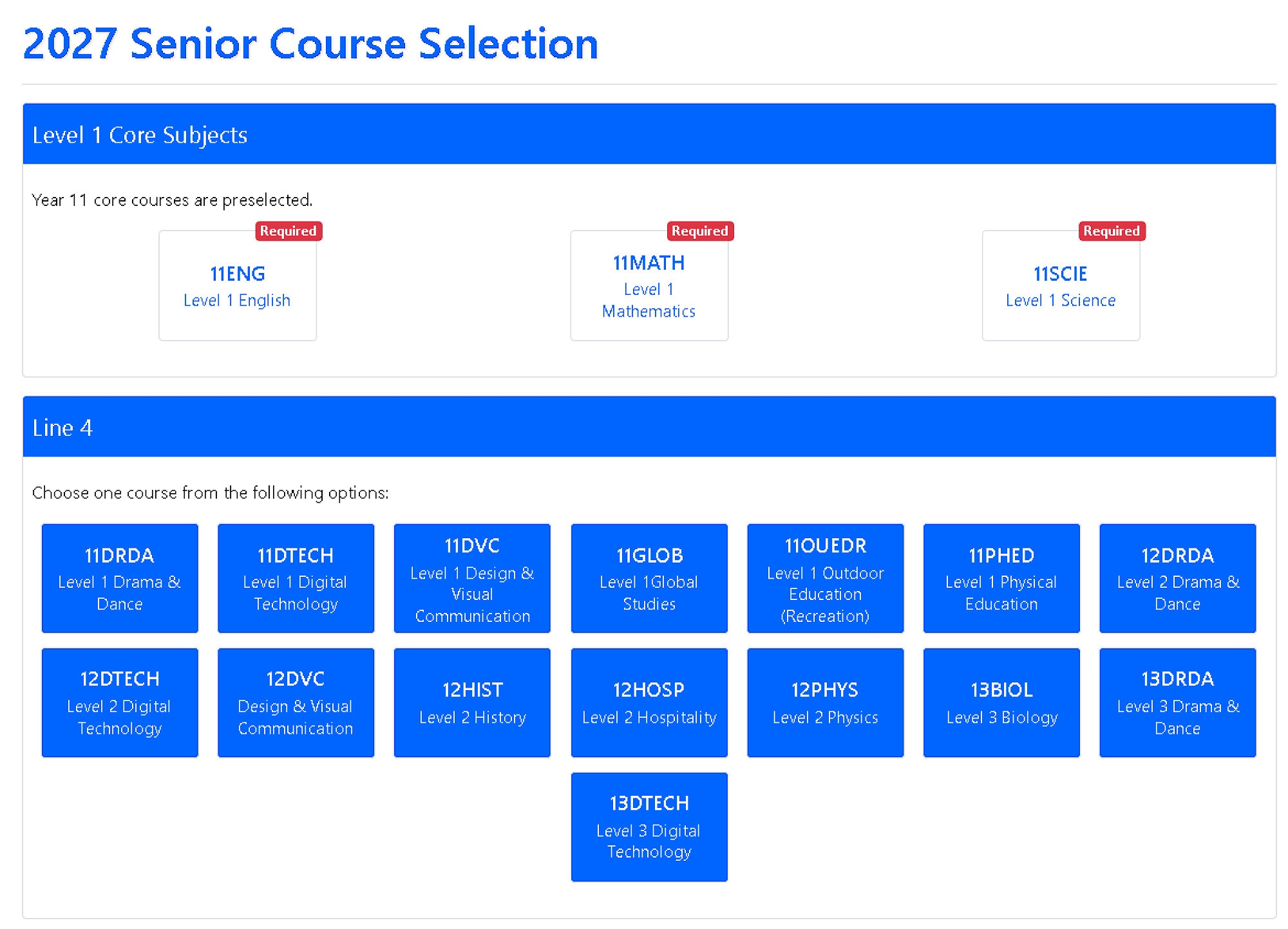
Select ‘Course Selection’ at the top of the menu. Select one course in each line. Year 11 students will have their core subjects preselected at the top of the page.
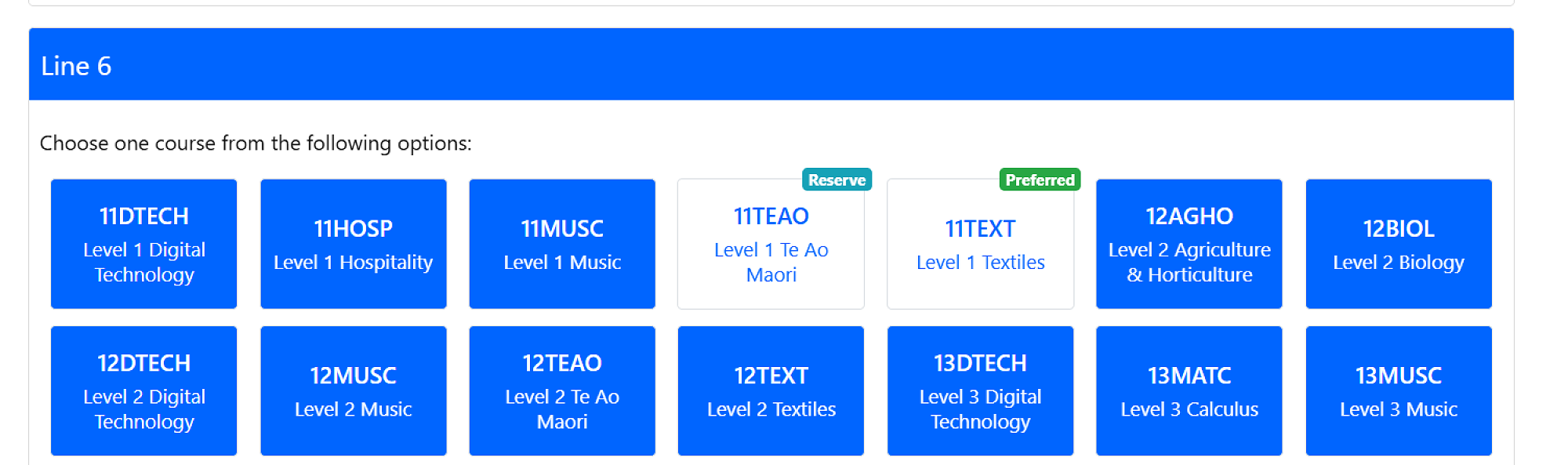
As you make each selection choose if it is a ‘Preferred’ or a ‘Reserve’ subject for further consideration.
After making your selections, click the orange button at the bottom of the screen ‘My Selections’.

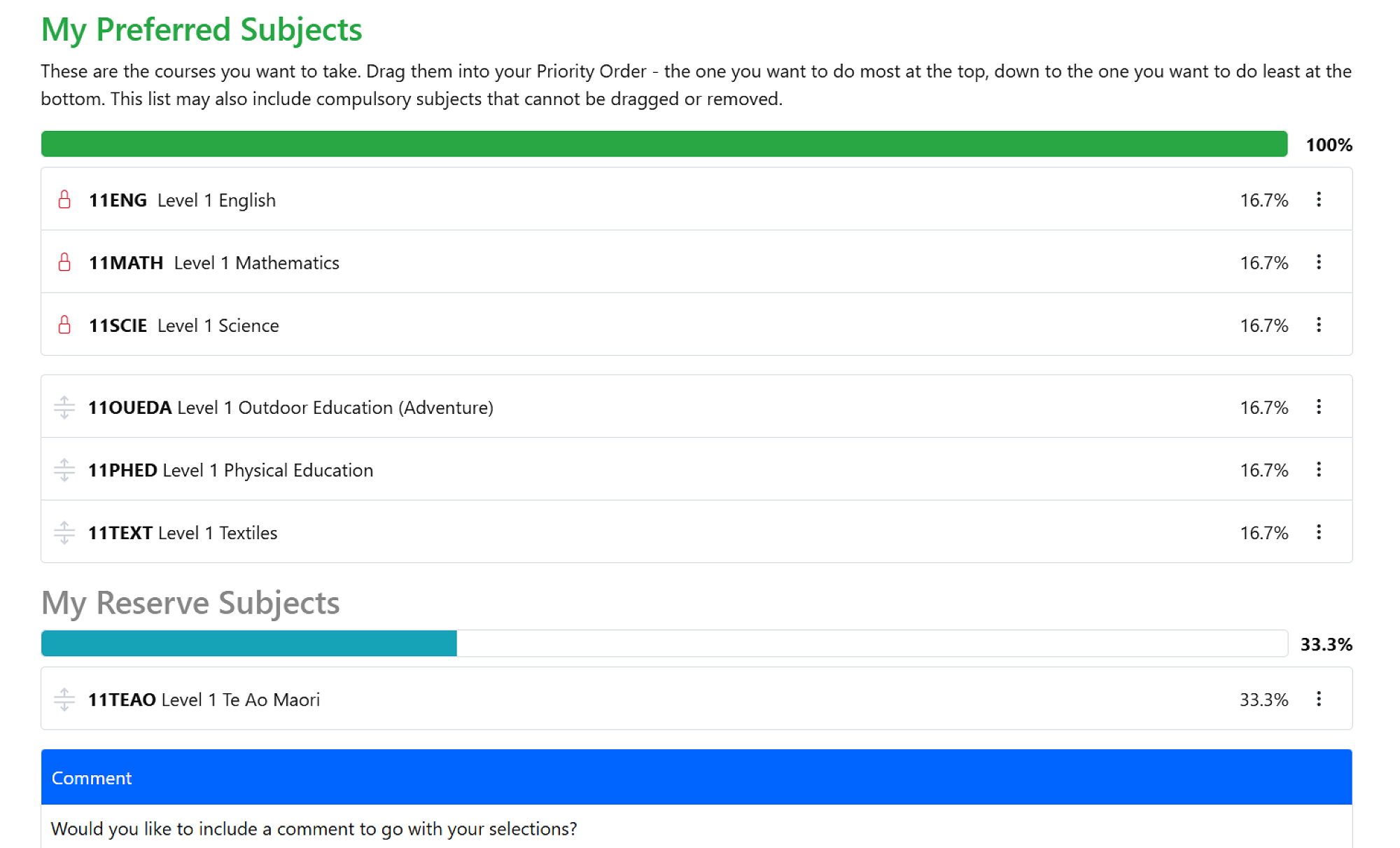
Once all selections are made, click the ‘Save selection’ button. Your ‘Preferred subjects’ are the subjects you will have chosen.
All course selections must be completed in KAMAR by 3pm Thursday 24th September 2026
Checklist:
-
Have you read over the different courses you have available to you?
-
Have you discussed your preferred choices with your parents/caregivers and APL or Whanau teacher?
-
Have you selected the remaining courses, so that you have 6 courses selected in total. 5 courses if you are Year 13.